
The four-step first-shelf route
Pick one item near you
Start with one loose product close to where you enter. Keep it visible and ignore the rest of the store for now.
Guide strategyRead the hanging sign
Use the broad aisle category signs to narrow your search before checking individual shelf labels.
Official action + strategyMatch the shelf and place
Confirm the product and shelf prompt. On PC, click places the held item; Q drops it instead.
Official controlsFinish a nearby cluster
Repeat with products in the same area before crossing the store. On PC, use the scroll wheel to cycle held items.
Official control + strategy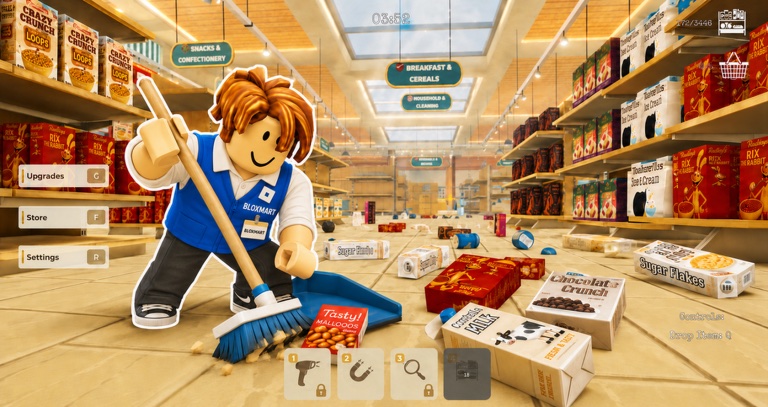
Visible game media Hanging signs narrow the search. Use the current shelf prompt before placing.
Know what a successful loop looks like
- 1Picka loose item
- 2Sortby category sign
- 3Restockthe matching shelf
- 4Earnfrom filled shelves
- 5Upgradea real bottleneck
- 6Repeatwith a tighter route
Filling shelves earns points, and those points unlock upgrades. The official public description does not publish a complete upgrade table.
Your first ten minutes
Prove the controls
Place one nearby product. On PC, remember that click places while Q drops.
Repeat in one area
Use the same nearby sign and shelves until the matching process feels predictable.
Finish a shelf
Complete your first shelf for the Getting Started badge, then choose the next adjacent area.